

Unity AI Open Beta: What It Ships With, What It Costs, and What the Industry Is Saying
Unity AI hit open beta on May 4, 2026, and the company is selling it hard. The CEO has promised that developers will soon prompt full casual games into existence using natural language alone. The first 48 hours of reception across players, the trade press, and the developers actually testing the product have not been kind to that pitch. We spent two days using it. This is the candid version.
Update, July 22, 2026: Unity has since shipped the piece this post argued was missing. The Unity CLI and its Pipeline package give external agents a first-party way to drive the Editor, enter Play Mode, and inspect a running game from a terminal. We covered what works, what is still broken in beta, and what it changes for studios.
Release and Pricing
Unity AI launched into open beta on May 4, 2026 for everyone running Unity 6. Personal users get a 14-day free trial with 1,000 AI Credits, then $10 per month for another 1,000 credits. Pro, Enterprise, and Industry seats include credits and MCP Server access by default.
Credits get spent per action. Generating a script, building a scene, or producing a placeholder asset each consume a variable amount depending on the model and the size of the operation. There is one important exception: when you route work through the AI Gateway to a third-party model like Claude or GPT, those calls do not consume Unity credits. This is a meaningful pricing reset compared to Muse, which charged $30 per month as a separate subscription, but the math gets uncomfortable fast (more on that below).
How It Is Wired In
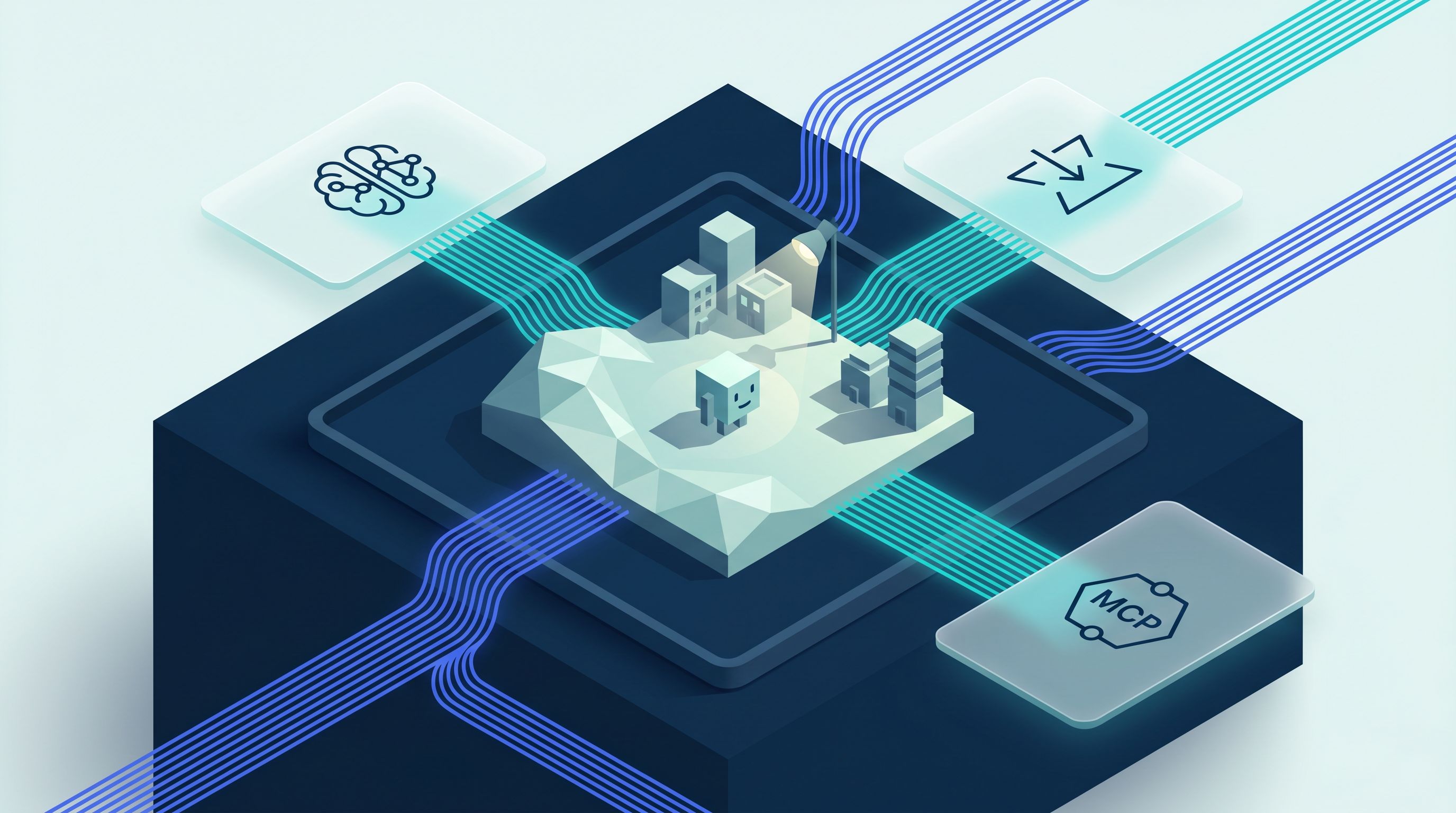
Unity AI ships as three components inside the editor. The AI Assistant is an in-editor chat panel trained on Unity's documentation and aware of the live state of the project: scene hierarchy, GameObjects, components, packages, and target platform. The AI Gateway lets developers route requests to third-party frontier models from the same workflow without leaving the editor. The MCP Server exposes the Unity scene graph to external coding agents running in IDEs like Cursor, Claude Code, Antigravity, and Windsurf.
The Assistant is the front door for most developers. It writes C# scripts, builds scenes from text or images, generates placeholder art, suggests performance optimizations, and explains console errors. Every change is reversible, and AI-generated assets carry metadata tags. The Gateway is the integration layer for teams already standardized on a frontier model. The MCP Server is for power users, and it validates the architecture that open-source projects like CoplayDev (5,800+ stars), IvanMurzak, and AnkleBreaker have been delivering for months.
What It Actually Does
Unity AI accelerates the parts of game development that were already mechanical. Scene scaffolding, prefab configuration, event system boilerplate, basic player controllers, simple gameplay scripts, and placeholder assets are now a prompt away. Performance suggestions and console error explanations save the kind of back-and-forth that used to require a senior engineer looking over a junior's shoulder.
Where it does not deliver is the prompt-to-full-game promise. For very simple casual prototypes it does work. Anything with depth, narrative, custom systems, or non-trivial multiplayer still needs human architecture. The acceleration is in iteration speed and boilerplate, not in replacing the design judgment that makes a game worth playing.
How the Industry Reacted
Reception across the trade press has been openly skeptical. Kotaku ran "Tsunami Of Garbage AI Games As Its Stock Tanks." Futurism dismissed the launch as targeting "any schmuck." PC Gamer led with the irony that the same CEO once called the metaverse "idiocy." Player surveys keep landing in the same place, with 85% reporting a negative attitude toward generative AI in games. The most useful signal sits in the developer feedback on the Unity Discussions thread for the open beta: the consensus is that Unity is fighting the wrong battle. The argument shows up over and over: stop competing with Claude Opus head-on, double down on MCP and AI IDE integration. The strongest productivity wins reported in the thread come from developers driving Unity through MCP from external agents, not from the in-editor Assistant.
Our Take
Two days of hands-on use changed our read on this product.
The pricing is misleading. We burned the full 1,000-credit allotment in a single working day. For anyone using the Assistant as a primary workflow rather than an occasional helper, the $10 tier is closer to a teaser than a working subscription. Multiply that across a team and the math gets uncomfortable fast.
The Assistant is also slow in a way that compounds. The reasoning often goes wrong unless the prompt is heavily over-specified, and the reasoning step itself takes long enough that iteration loops drag. It does not parallelize work, and it does not optimize tool execution. In direct comparison, Claude Code driven through a strong MCP setup is meaningfully faster, more controllable, and more likely to land the right change on the first attempt.
The most useful detail in this release sits inside the AI Gateway, and most coverage has missed it. Bringing your own API key in the Gateway swaps the entire agent, not just the underlying model. When you point Unity at your own Claude, Codex, Gemini, or Cursor key, Unity asks for the path to the CLI binary on your machine. Your prompts get handed to that local CLI, which runs its own system prompt, its own tool execution, and its own MCP client back into the Unity scene graph. Unity's credit system gets bypassed entirely. Read between the lines: Unity has effectively built the official escape hatch out of their own assistant for any developer serious enough to install a CLI and use a key.
The QA story is thin. Asked directly whether it can test the game, Unity AI answered candidly that it cannot play the game, cannot see the Game View during Play Mode, and cannot simulate user input. What it can do is run state validation (check whether objects exist, whether components are enabled, whether properties change as expected), take Scene View snapshots, and read the Unity Console. That is useful for static checks. It is not a real QA loop. The community MCP servers (CoplayDev, AnkleBreaker, IvanMurzak, Signal-Loop's UnityCodeMCPServer) all expose Play Mode control, the official TestRunnerApi, profiler sessions, frame timing, memory snapshots, and console capture. Wired into Claude Code, that gives you a working automated test cycle: enter Play Mode, exercise the build, check the console, run the test suite, exit cleanly. For broader playtesting at scale, Unity's older Virtual Players, Game Simulation, and ML-Agents tooling is still the right answer, and none of it is bundled with Unity AI. (Unity closed part of this gap in July 2026 with the Unity CLI, which lets an external agent enter Play Mode and query the live scene from the terminal.)
Asset generation is the last weak spot. The quality is not there yet. Studios serious about visuals are better served by dedicated asset pipelines (specialized image, texture, character, and 3D model tooling) wired alongside the code-generation layer.
The bottom line: Unity AI is not an off-the-shelf solution that fixes game development. It is a competent in-editor assistant with real constraints. For solo developers and small teams who want a low-effort starting point, the Assistant has value. For everyone else, the open-source MCP servers paired with Claude Code or another strong external agent are the better workflow today, and they are free. The pattern that wins is not one assistant doing everything. It is a tailored pipeline that composes multiple MCP tools across the full game-development lifecycle, connecting product requirements to engineering to QA as one coherent system. That is the state of the art, and it is custom work, not a product you buy off a shelf.
AI Is Already How Modern Game Studios Operate
Unity AI is one product launch, but it sits inside a much larger shift. Generative AI and agent tooling are now part of how serious game studios ship. The work that used to be a junior engineer's first six months (boilerplate code, prefab plumbing, asset pipeline glue, basic NPC behavior) is increasingly handled by AI under senior review. End-to-end feature development, where an agent takes a brief and produces a working vertical slice, is real for well-scoped systems. AI-driven profilers can scan a build and pinpoint hot spots. AI agents can play through builds and surface stuck states, broken collision, or balance issues a human QA team would never have time to find. The same pattern applies to game logic itself: economy balance, multiplayer matchmaking, content generation for live ops, monetization personalization, and localization at scale are all already running on this stack at the studios taking the work seriously.
The implication varies by studio size. For indie teams and solo developers, AI compresses the time from idea to playable prototype, and from prototype to launchable build. A solo developer can ship in months what used to take a small team a year, and the work gets more fun because the boring parts move out of the way and the creative parts get more iteration cycles. For large studios, the same tooling means faster experimentation, shorter time from concept to deployment, and senior creative talent freed up to do creative work instead of operational scaffolding.
This is the part Unity's marketing keeps missing. The question is not whether AI can replace a game studio. The question is how a studio that already uses AI well will outpace one that does not.
Working with Vindler
Vindler builds the kind of pipeline described above. We design and ship custom AI workflows for game studios using Claude Code, the Claude Code SDK, and curated MCP integrations that wire the engine, the asset pipeline, the test rig, and the product backlog into a single agent-driven system tailored to the studio's stack and process. The point is not to add an AI assistant on top of an existing workflow. The point is to compress the loop from product requirement to playable feature to passing QA, with senior engineers in control at every step and the AI doing the parts that compound across the team.
If you run a game studio (indie or large) and want to talk about where Unity AI fits in your stack, where MCP-driven workflows are likely to pay off first, or how to build a custom agent pipeline that goes beyond what Unity ships out of the box, book a call.
If you want to read more about how we approach AI engineering in production, see our case studies or contact us directly.